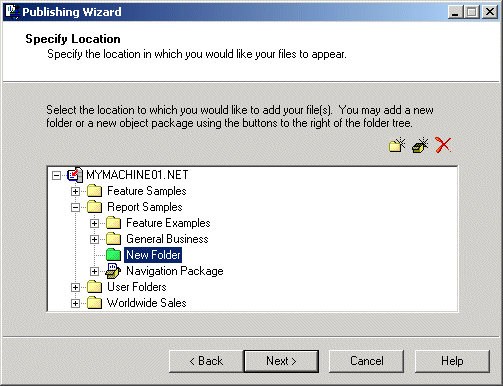
 To add a new folder to the CMS, select a folder and then click New Folder.
 To add a new object package to the CMS, select a folder, and then click New Object Package.
 To delete a folder or an object package, select the object, and click Delete.
 Note: From the wizard, you can delete only new folders and object packages. (New folders are green; existing folders are yellow.)
If you are publishing multiple objects, and you want to place them in separate directories, see Duplicating the folder structure.
The Confirm Location dialog box appears.